File utility · by EspinalLab

Rename hundreds of files in one go.
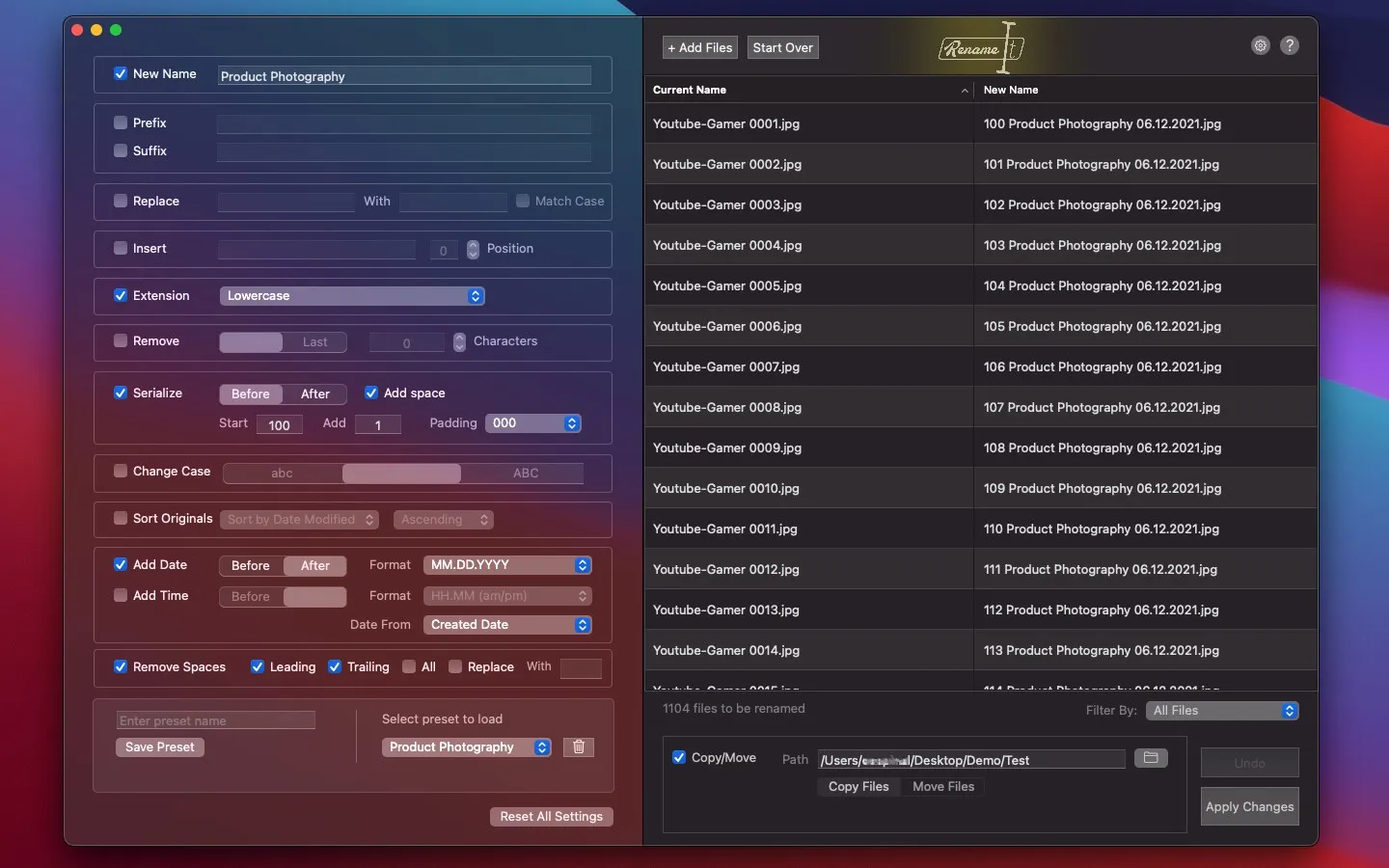
RenameIt turns bulk renaming into a quick, safe job. Combine renaming methods, preview every change before it happens, and revert a whole batch if you change your mind.
- macOS
- $3.99

- 12
- Renaming methods
- Live
- Preview of every change
- Undo
- Revert an entire batch
Features
What RenameIt does.
- 01
Twelve ways to rename
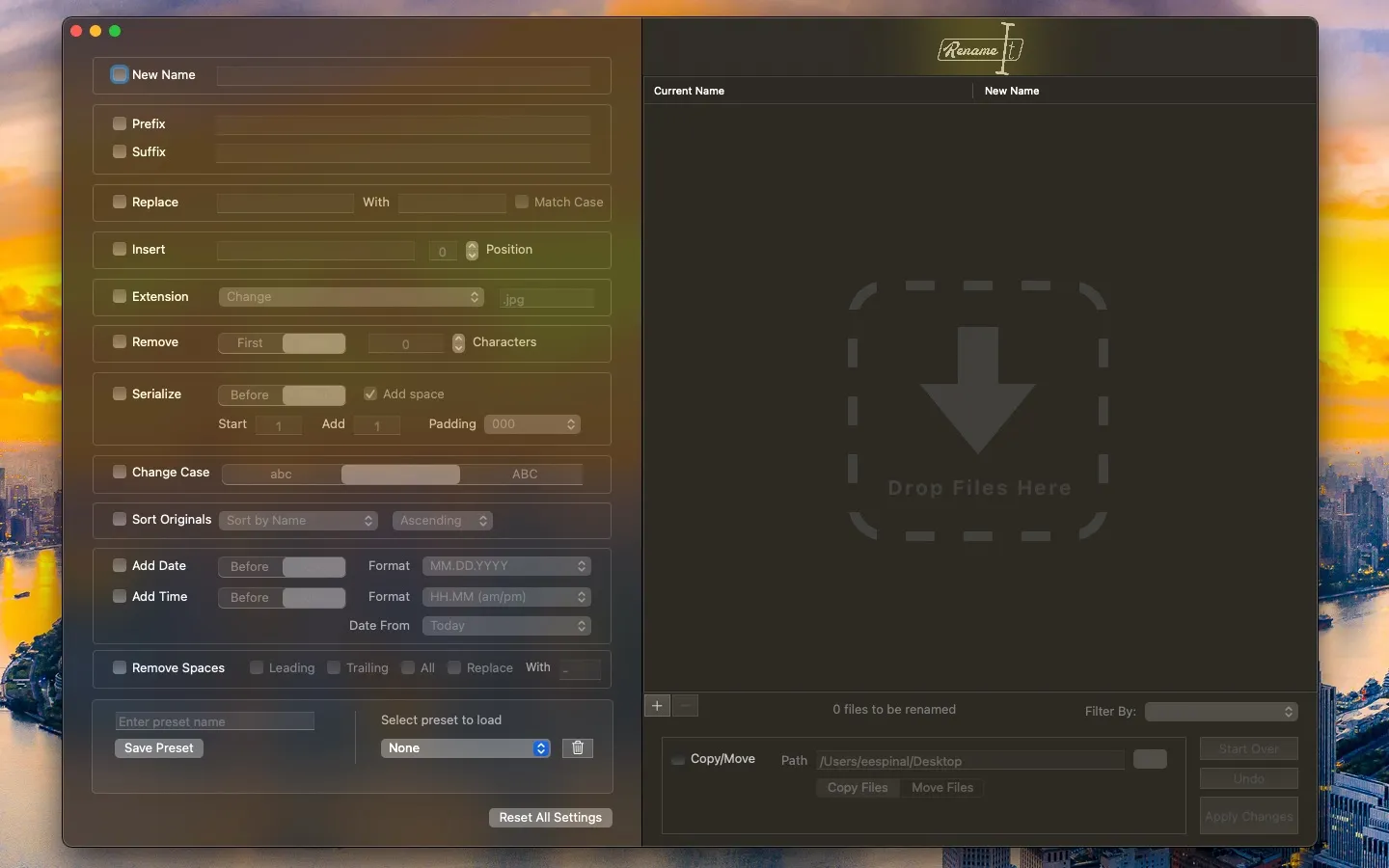
Add a prefix or suffix, replace or remove text, change case, number files in sequence and more. Mix methods to get exactly the naming scheme you want.
- 02
Preview before you apply
See the new name of every file update in real time as you adjust the settings, so there are no surprises.
- 03
Undo a whole batch
Made a mistake? Revert the entire batch and your files go back to their original names.
- 04
Move or copy as you rename
Send the renamed files to a new folder in the same step to keep your originals untouched or tidy up as you go.
- 05
Presets for repeat jobs
Save a set of rules as a preset and load it the next time the same kind of files comes in.
- 06
Simple by design
One clear window instead of a wall of options, from the team behind ShrinkIt.
Screenshots
See it in action.