ShrinkIt has been on the Mac App Store since 2020 and is now used by more than 50,000 people, from creators delivering client work to anyone who just needs to email a video.
Video compressor · by EspinalLab

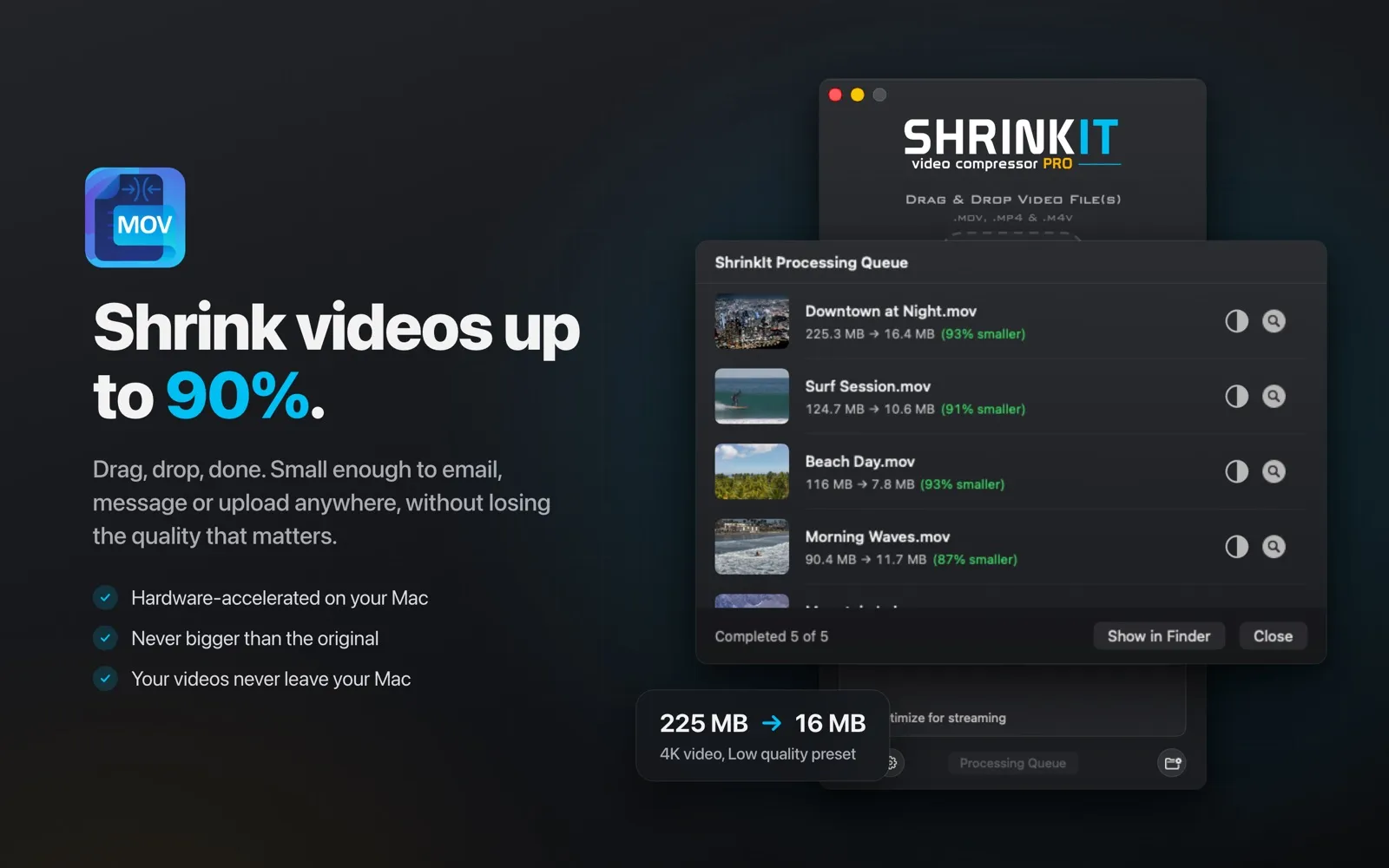
Shrink videos by up to 90%.
ShrinkIt makes .mov, .mp4 and .m4v videos small enough to email, message or upload anywhere, without losing the quality that matters. It never makes a file bigger than the original, and your videos never leave your Mac.
- macOS
- Free, with optional PRO
- 50,000+
- Happy users
- Up to 90%
- Smaller video files
- 7
- Languages
- 2020
- On the Mac App Store since
About
About ShrinkIt.
Features
What ShrinkIt does.
- 01
Drag, drop, done
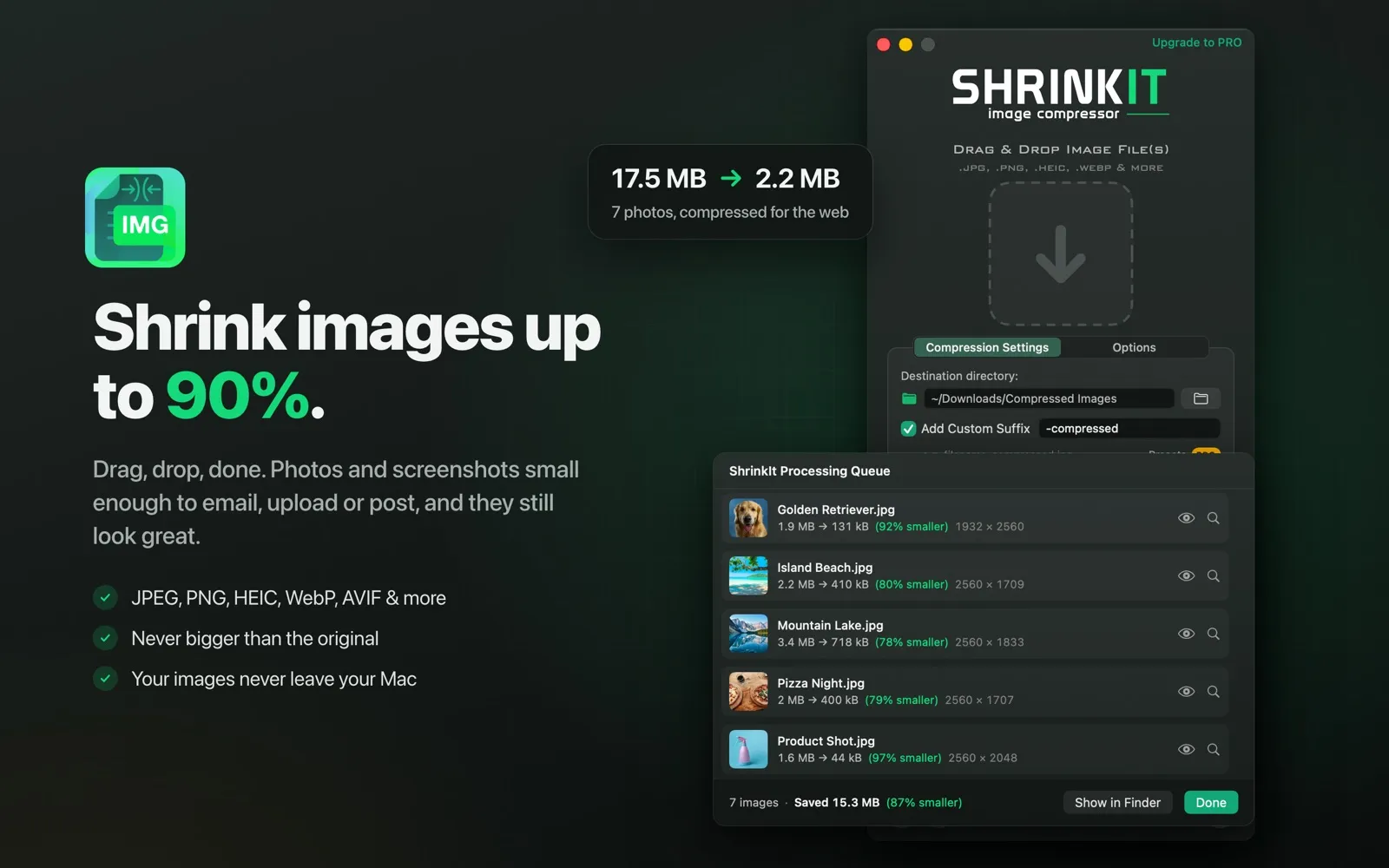
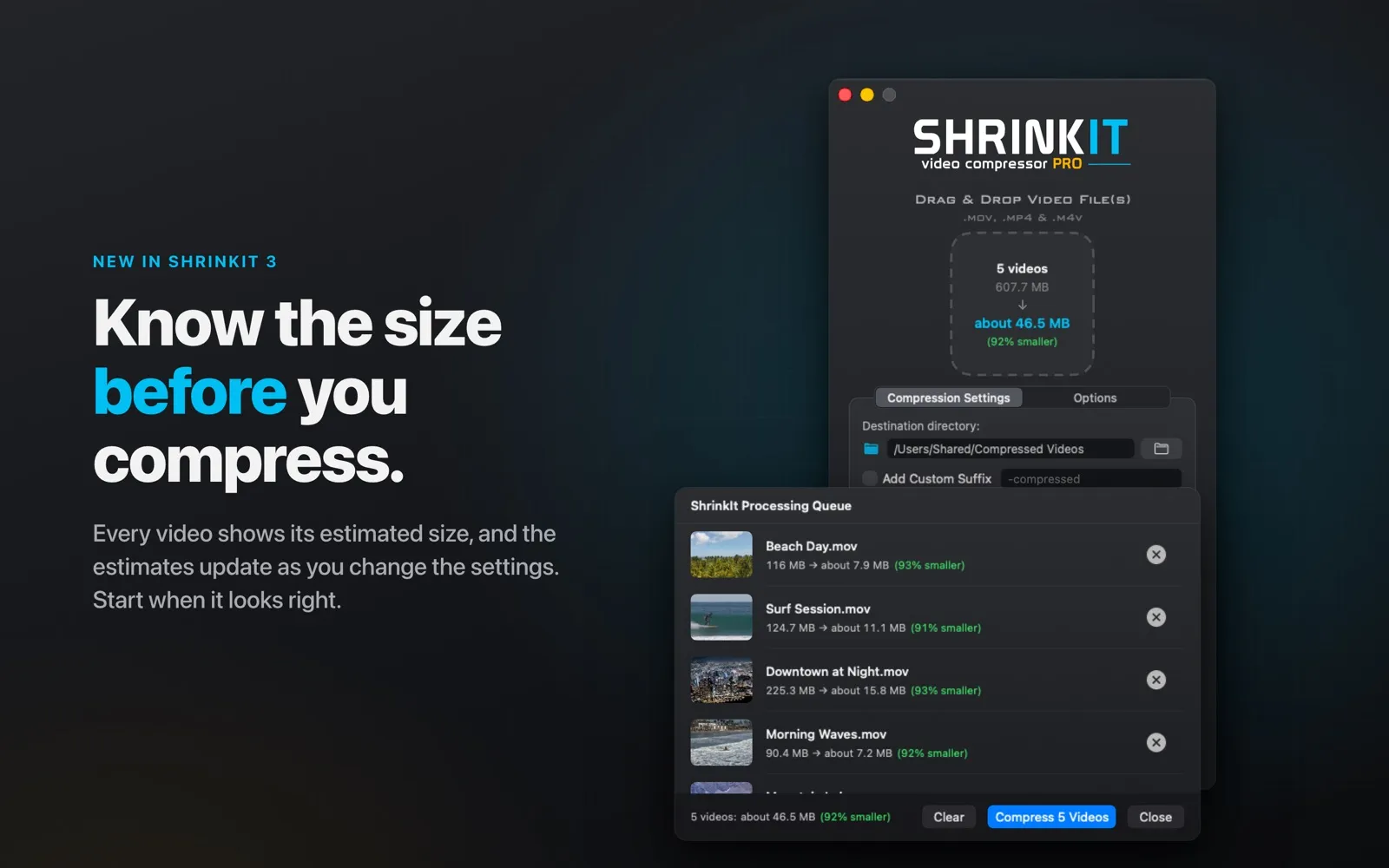
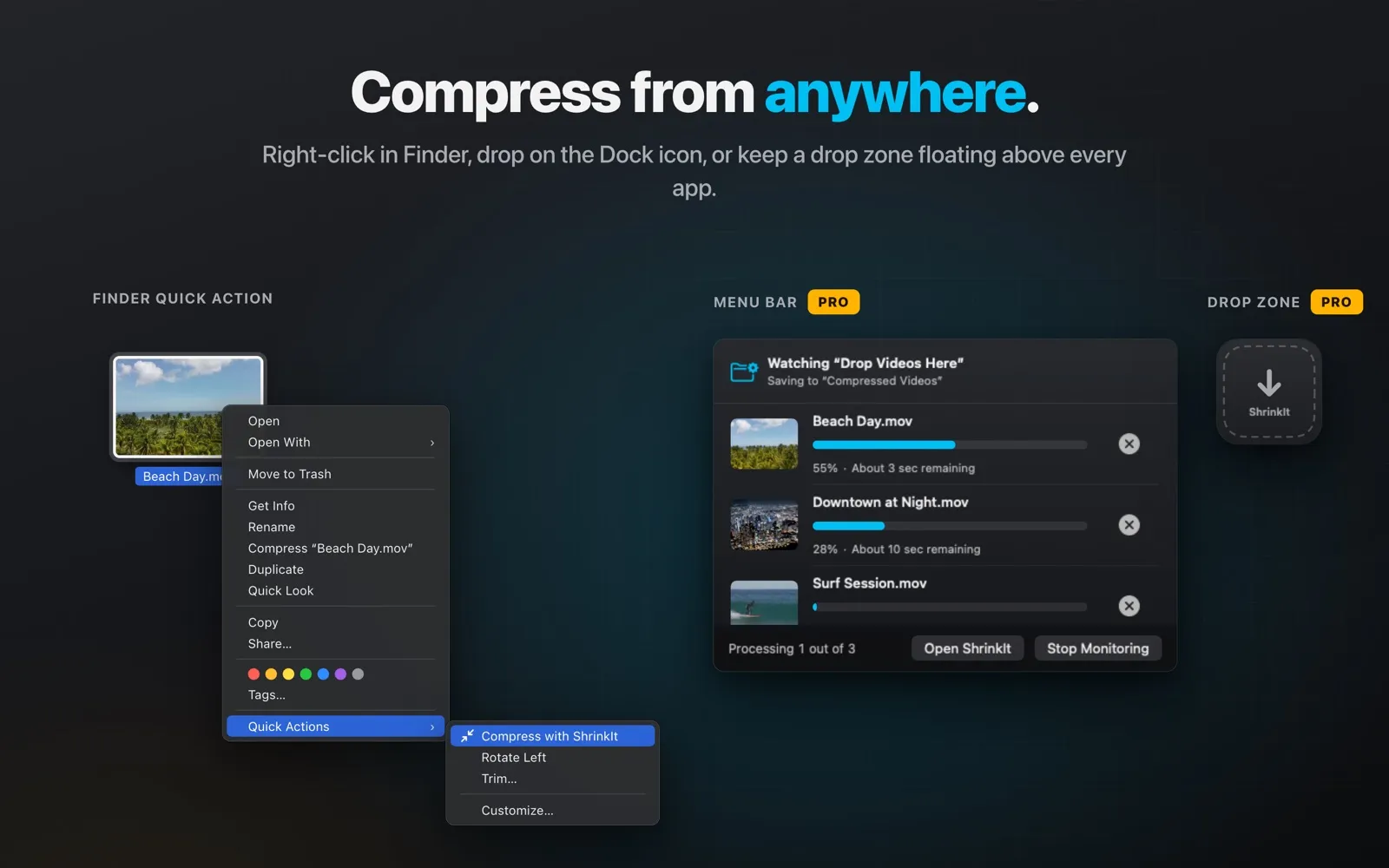
Drop videos or whole folders onto the window, or right-click them in Finder and choose Compress with ShrinkIt. You see the estimated size before you start.
- 02
Fast and private
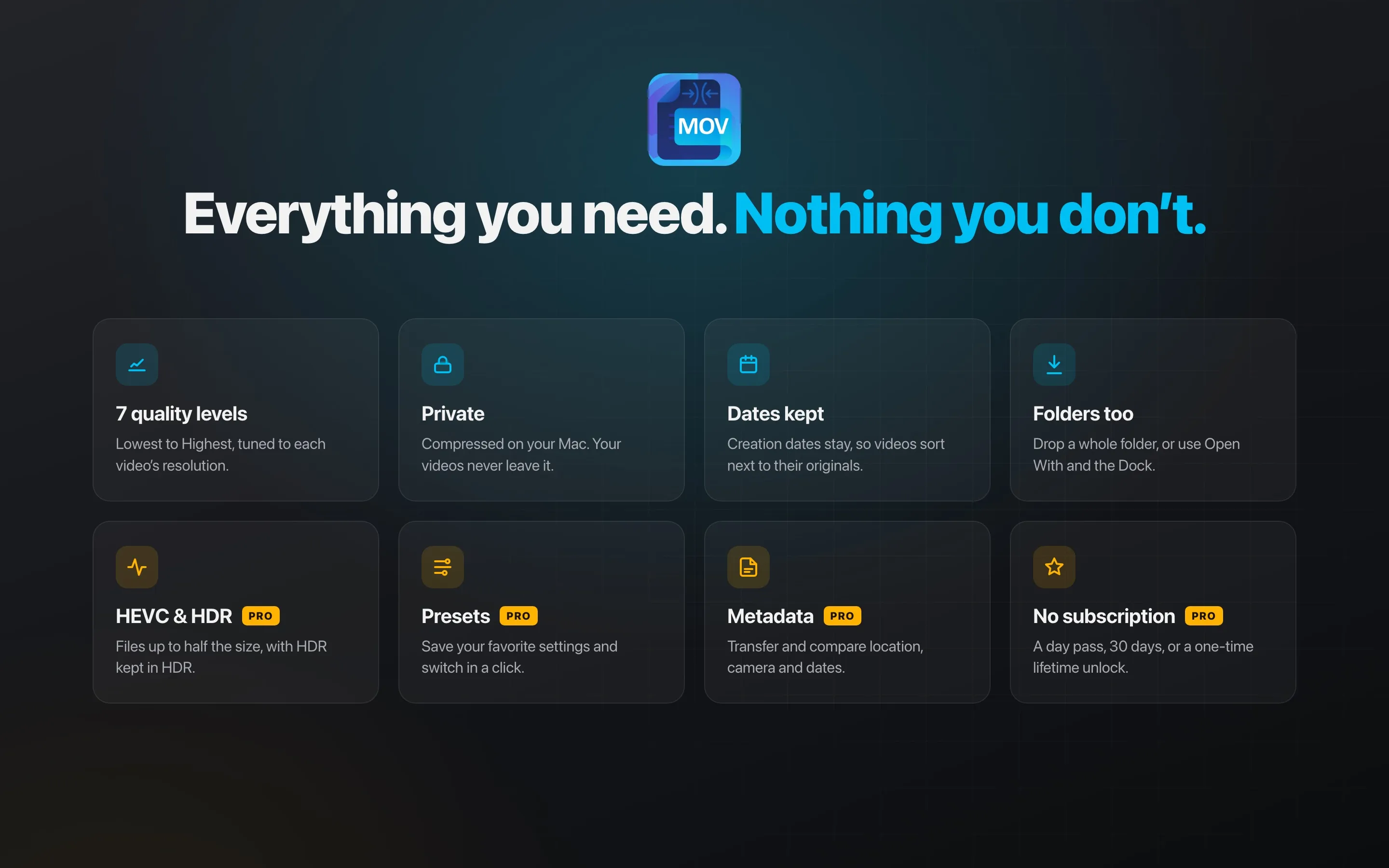
Hardware-accelerated compression runs right on your Mac using native macOS APIs. Nothing is uploaded, ever.
- 03
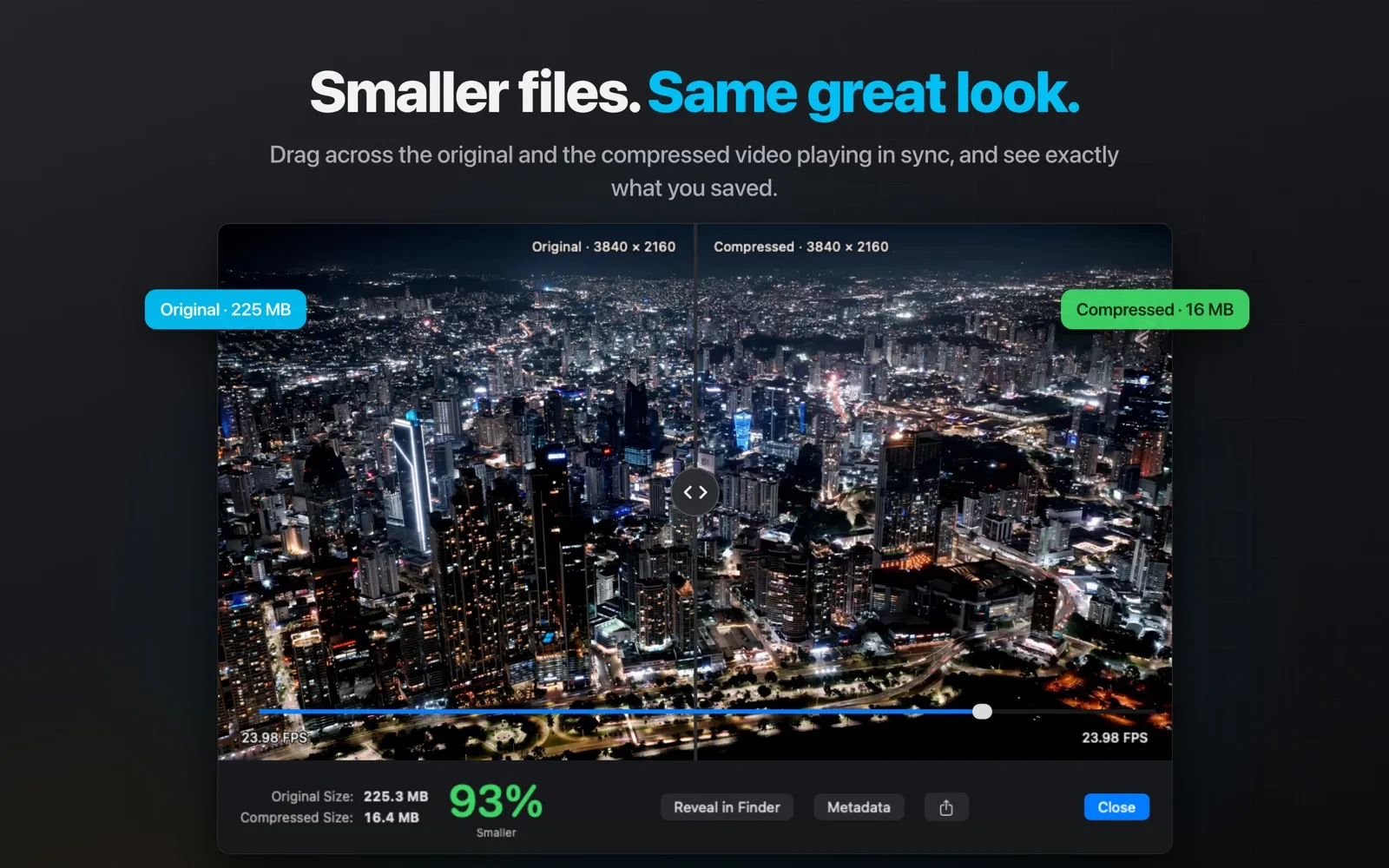
Compare before you commit
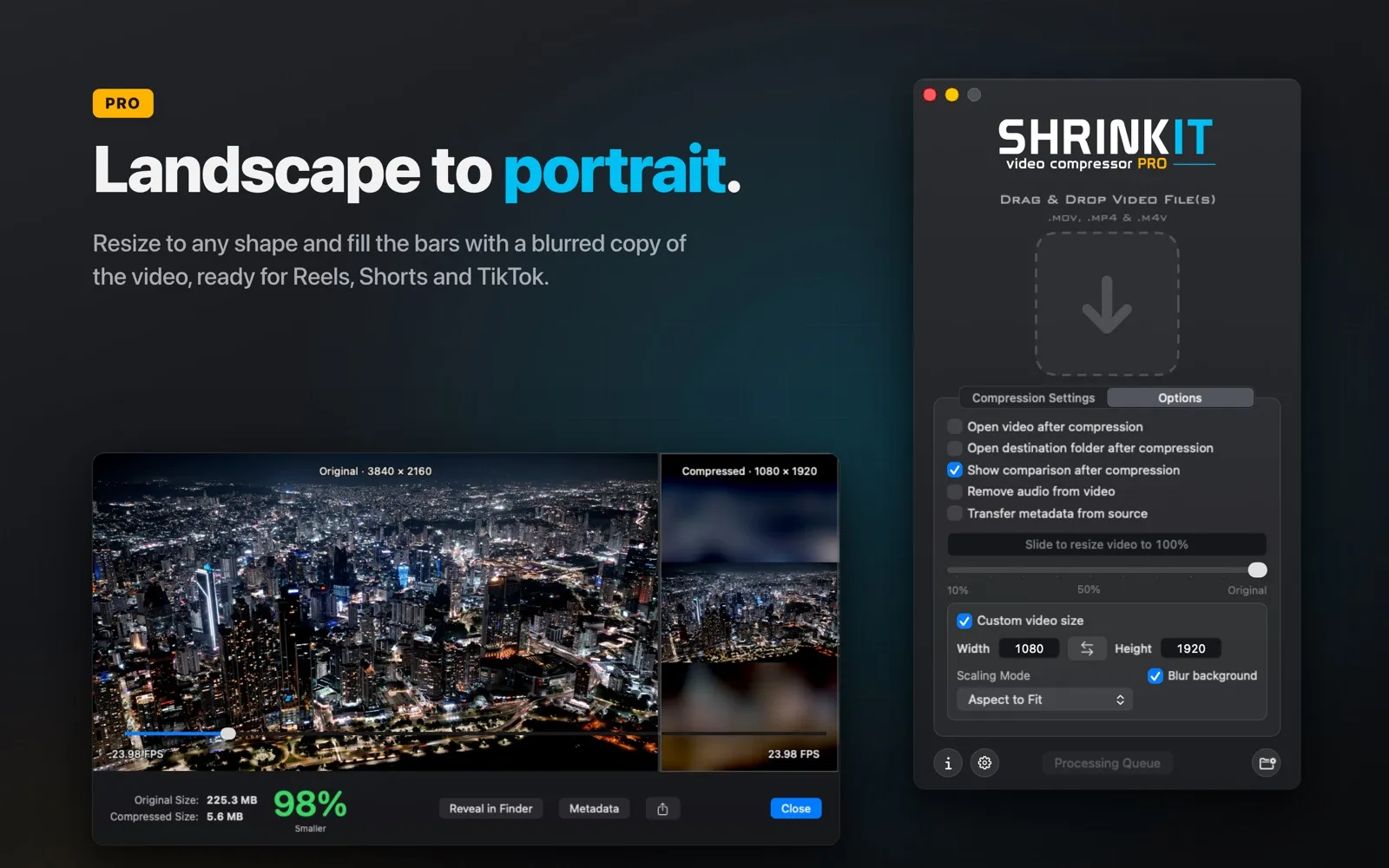
Slide between the original and the compressed video side by side, with file sizes and frame rates in view.
- 04
Made for big batches
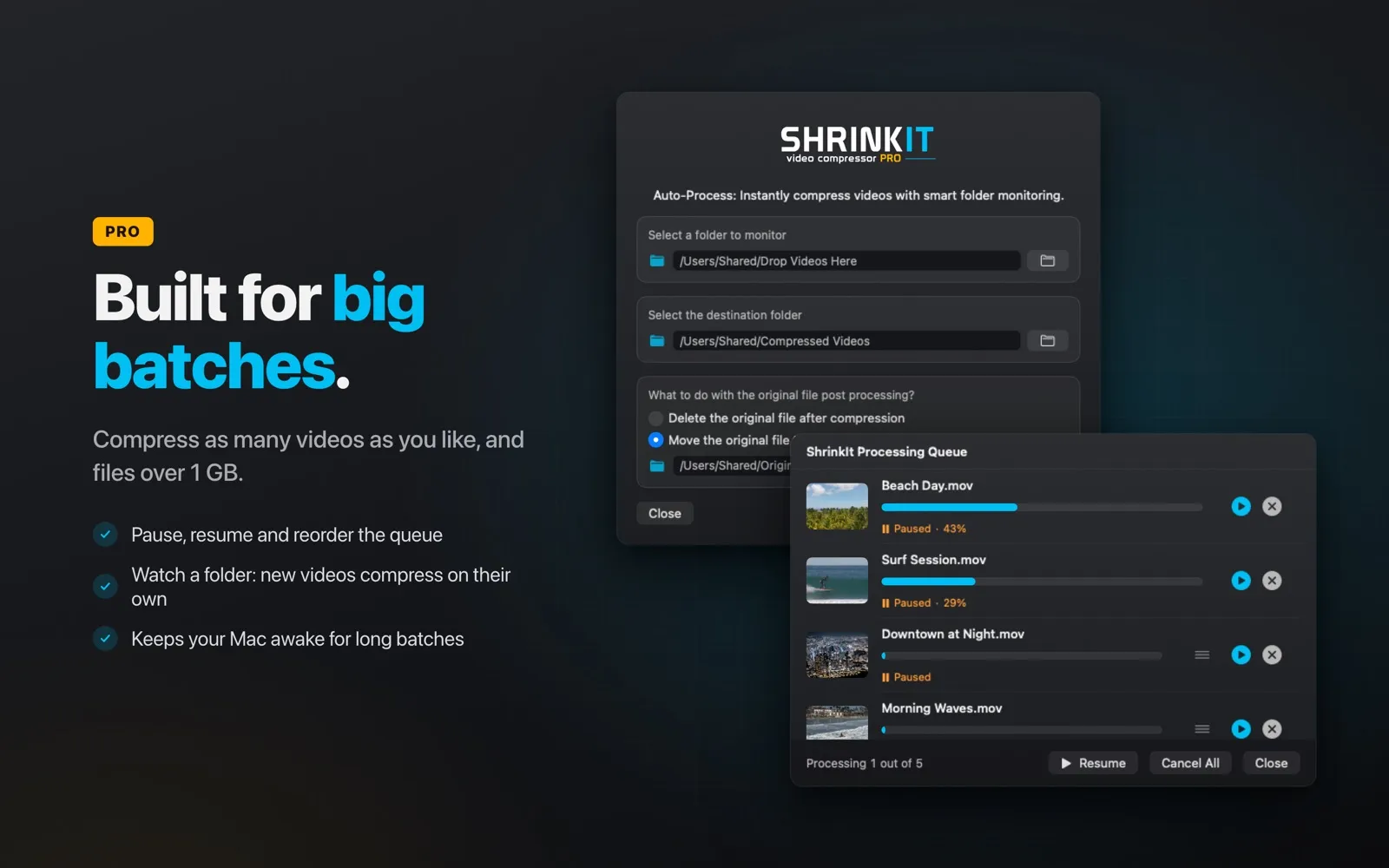
Smart skipping leaves already-small videos alone, interrupted batches resume where they stopped, and a CSV report shows what every file saved.
- 05
Control when you want it
Seven quality levels tuned to each video, plus resizing, frame rate and audio quality. Resize landscape to portrait with a blurred background.
- 06
ShrinkIt PRO
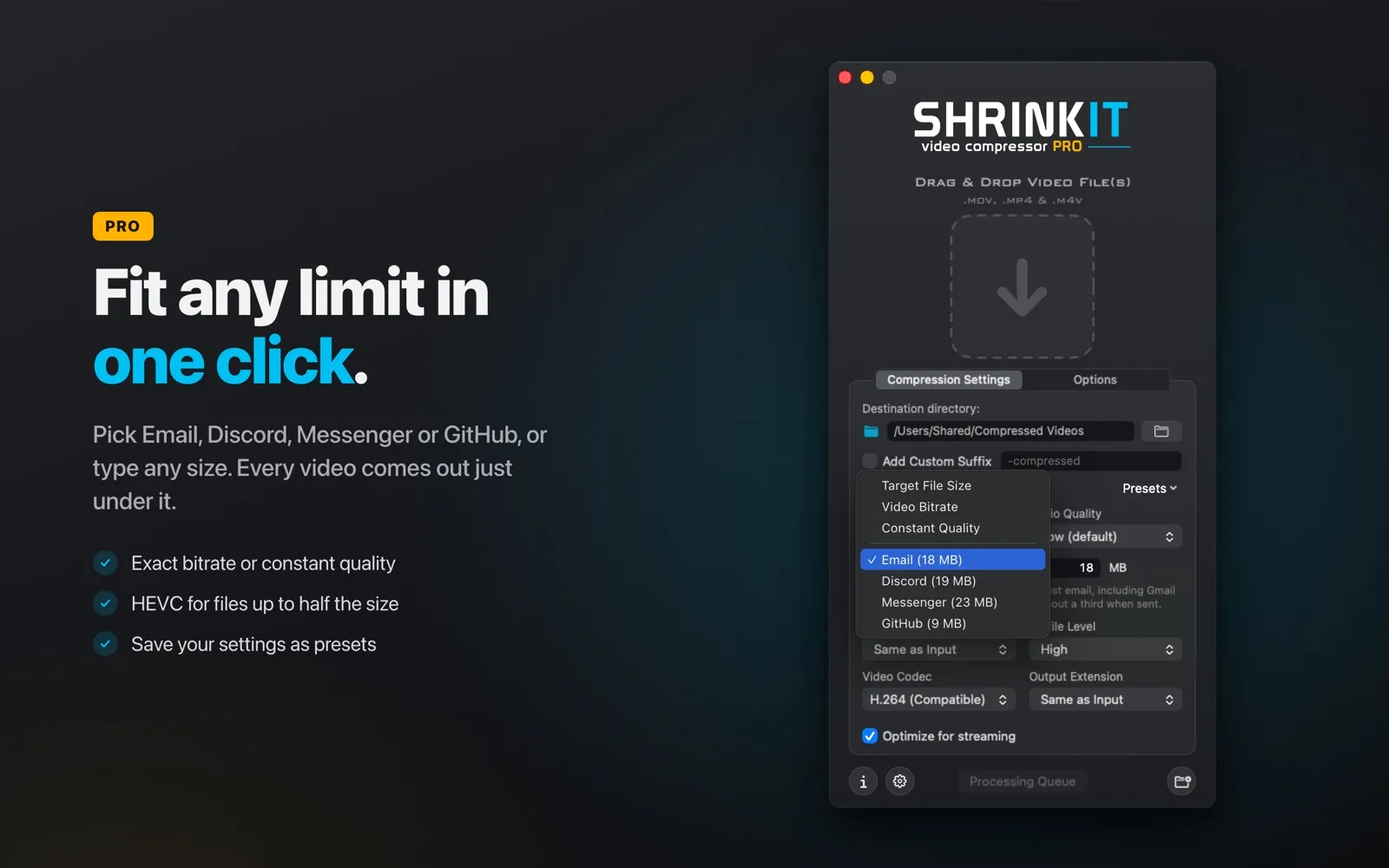
Hit an exact file size for Email, Discord or GitHub, use HEVC for files up to half the size, save presets, and watch a folder to compress new videos automatically.
Screenshots
See it in action.
Will my compressed videos have a watermark?
No. ShrinkIt never adds watermarks to your videos.
Which formats are supported?
MP4, M4V and MOV. The output format matches the input by default, and PRO lets you choose a different output format.
Does ShrinkIt use FFmpeg?
No. ShrinkIt uses native macOS APIs and hardware acceleration for the best performance on your Mac.
Is PRO a subscription?
No. PRO is available as a 1-day pass, a 30-day pass or a one-time lifetime purchase.
Which languages are supported?
English, Spanish, French, German, Italian, Portuguese and Chinese (Simplified).